
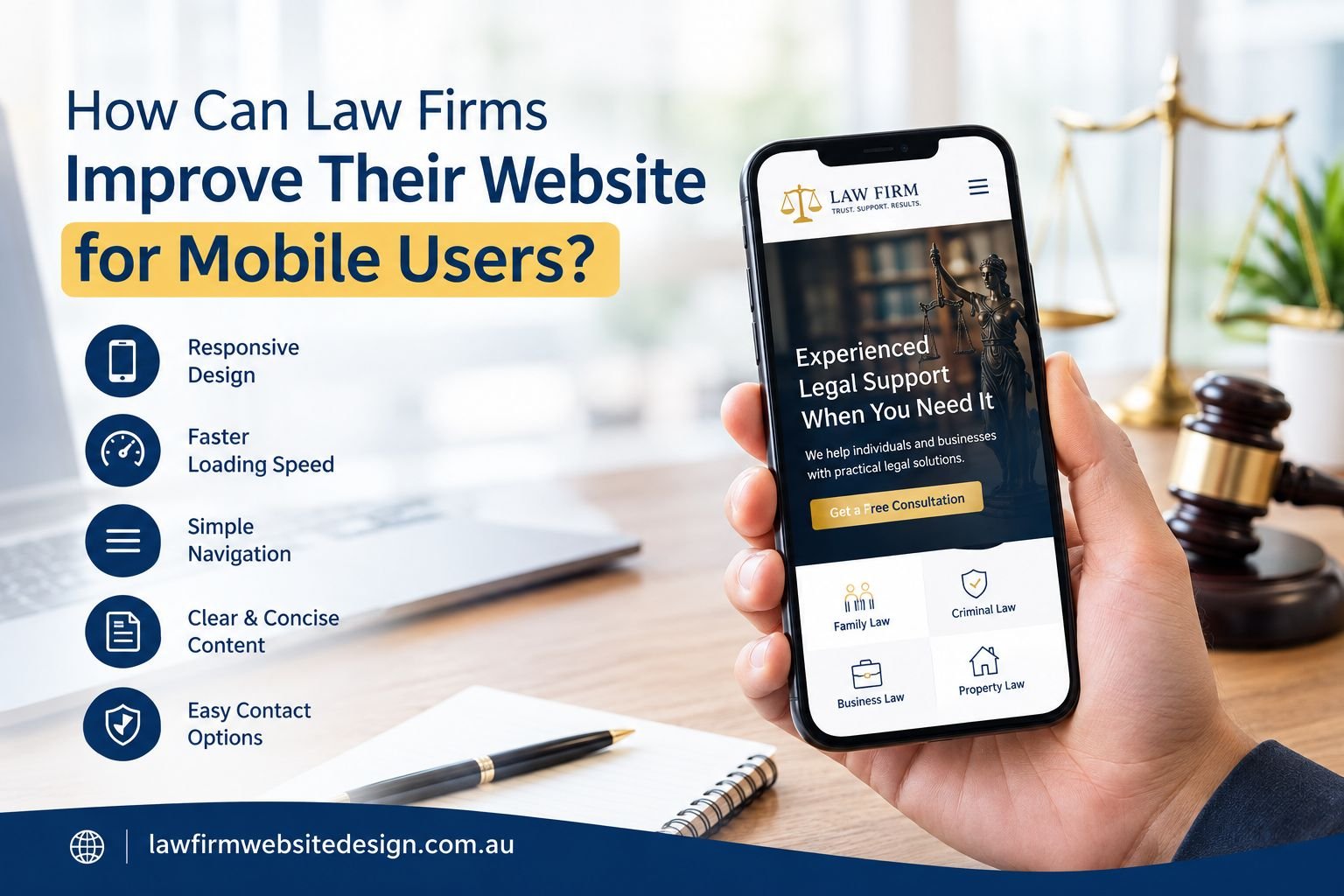
Most people use their phones when they search for a lawyer or legal service. They may be looking for help during a busy day, checking a legal service or trying to find a phone number quickly. If your website is hard to use on a phone, they may leave before contacting your firm.
Good and well planned law firm web design should work well on both phones and computers. The text should be easy to read, pages should load quickly and visitors should be able to find important information without any trouble.
So, how can law firms make their websites better for mobile users?
Make Your Website Work Well On Every Screen
Your website should adjust to the screen being used. A page that looks good on a large computer screen should also be easy to use on a small phone.
This is one of the main parts of good website design for law firms. Visitors should not have to zoom in, move the page from side to side or struggle to read the content.
Check your website on different screen sizes. Look at your homepage, service pages, contact page and lawyer profiles.
Make sure:
- Text is easy to read
- Images fit the screen
- Buttons are easy to press
- Menus open properly
- Forms work on phones
- Nothing runs off the side of the screen
A simple mobile layout can make a big difference to the way people use your website.
A Simple Menu Makes Navigation Easier
A large menu may work well on a computer, but it can feel crowded on a phone.
Keep your mobile menu simple. Include the pages that visitors are most likely to need. These may include your services, about page, lawyer profiles, blog and contact page.
Do not make people click through several pages just to find a service or contact number.
Good law firm web design helps visitors know where to go next. The menu should be clear and easy to use with one hand.
You can also make your main contact button easy to see. A person who wants legal help should not have to search for your phone number.
Make Your Pages Load Quickly
People do not like waiting for a website to load. This can be an even bigger problem when someone is using a phone and mobile data.
Large images, videos, extra website features and poorly set-up code can slow a page down.
Google also looks at page experience and measures areas such as loading speed, how quickly a page responds and whether the page moves around while loading. These are known as Core Web Vitals.
You can improve loading speed by:
- Compressing large images
- Removing features you do not need
- Reducing large files
- Checking your website plugins
- Using good website hosting
- Keeping videos from loading automatically
A faster website gives visitors a better experience and makes it easier for them to find the information they need.
Clear Content Is Easier To Read
Legal information can be difficult to understand for some people. Long paragraphs can make it even more difficult for visitors to understand the content on a small screen.
Break your content into short sections. Use simple words where possible and explain any legal terms that are included in your content. Use headings to separate the different topics covered in your content so that visitors can scan the page to find the information that they need.
For example, instead of putting all your information under one long heading, you could use:
- What Legal Service Do You Need?
- How Can We Help?
- What Happens Next?
- Speak With Our Team
This makes law firm websites easier to read and helps visitors find the information that matters to them.
Put Important Information First
When someone visits your website for the first time, they usually want quick answers. They may want to know what your firm does, whether you handle their legal matters, where you are located and how they can get in touch.
Make these details easy to find rather than placing them at the bottom of the page. Your homepage should give visitors a clear idea of who you are and how you can help. Service pages should explain each area of law in simple terms, while your contact page should make it easy to reach your team.
This is where experienced law firm web designers can make a difference. A well planned layout guides visitors to the information they need without making the page feel crowded with too much text or too many images.
Contact Details Should Be Easy To Find
A person visiting your website from a phone should be able to contact your firm without any extra effort. Include a clear, clickable phone number so visitors can call your team with a simple tap. This is an important part of effective law firm website design.
You can also include a short enquiry form. Do not ask for too much information at this stage. A person’s name, contact details and a short message may be enough for an initial enquiry. Your contact button should also be easy to spot.
For example:
- Speak With Our Team
- Book A Consultation
- Send An Enquiry
Clear buttons can help visitors understand what to do next.
Make Buttons Easy To Press
Small buttons can be frustrating on a phone. If two links are very close together, people may press the wrong one. Make buttons large enough to tap comfortably and leave enough space between them.
Use clear words instead of vague buttons such as “Click Here”.
For example, use Contact Our Firm instead of “Learn More” when the goal is to help someone get in touch.
Small changes like this can make website design for law firms much easier to use.
Give Your Website A Clean, Simple Look
A professional website does not need too many effects or moving elements. Keep the design simple and easy to use.
Focus on:
- Clear headings
- Simple layouts
- Enough space between sections
- Useful images
- Easy-to-read text
- Simple menus
- Clear contact buttons
The best law firm websites make important information easy to find. Your design should support your content, not distract visitors from it.
Check Your Website For Accessibility
Your website should be easy for all visitors to use, including people who may have difficulty reading or using a mouse.
During law firm website development, check a few simple things:
- Use clear and readable text.
- Keep enough space between text and other elements
- Make sure text stands out from the background
- Add useful descriptions to important images
- Use clear labels on contact forms
- Make buttons and links easy to find
- Let visitors move through the website without using only a mouse
These small changes can make your website easier to use and give visitors a better experience.
Test The Website On Different Phones
A law firm website design may look fine on a computer but have problems on a phone. Test it on different phones and screen sizes before you launch it.
Check that:
- The menu opens properly
- Text is easy to read
- Images fit the screen
- Buttons are easy to tap
- Contact forms work
- Phone numbers can be tapped
- Pages load without delays
Ask someone outside your team to test the website too. Law firm website developers should also check the site after major updates to catch problems early.
Always Keep Your Website Up To Date
A mobile-friendly website needs regular attention.
You may add new services, change your team details, publish new articles or add new website tools. These changes can sometimes affect the way your website works on phones.
Check your website from time to time. Look at your main pages and make sure everything still works.
You should also check your website data to see how people are using it. If visitors leave a page quickly or struggle to complete a form, there may be a problem worth fixing.
Good law firm web design should grow with your firm rather than staying the same for years.
Focus On What Your Clients Need
Your mobile website should make it easy for visitors to:
- Understand your legal services
- Find important information quickly
- Navigate between pages
- Contact your firm
- Use the website on any screen
You do not need a complicated design. Law firm web design should focus on clear content, simple navigation and a smooth mobile experience from the first visit to the first enquiry.
Conclusion
Your site needs to be user friendly enough to help clients understand the legal services provided by your firm and easily reach you on their phones. The layout, navigation, content, and page loading speed could enhance the experience of visitors on mobile devices.
If your current website feels outdated or difficult to use, it may be time for a change. We at Law Firm Website Design can help you create a professional website that works well across devices and supports your business goals.
Get in touch with our team to discuss your new law firm website.
Frequently Asked Questions
Why does a law firm website need to work well on mobile?
Many people use their phones to search for legal help. A mobile-friendly website makes it easy to read your services, find your phone number and contact your firm.
What should a good mobile law firm website have?
It should have simple menus, clear text, fast-loading pages and buttons that are easy to tap. Visitors should also be able to find your services and contact details with ease.
How can I make my law firm website better for mobile users?
Visit your law firm website on different phones and test how it looks and works. Make the text easy to read, keep the menu simple and make sure forms and buttons work.
How often should I check my law firm website?
Check your website from time to time to make sure the pages, links, forms and phone numbers still work. You should also check it after making major changes to the website.